
How AI Is Changing Ecommerce (And How to Add It to Your WooCommerce Store)
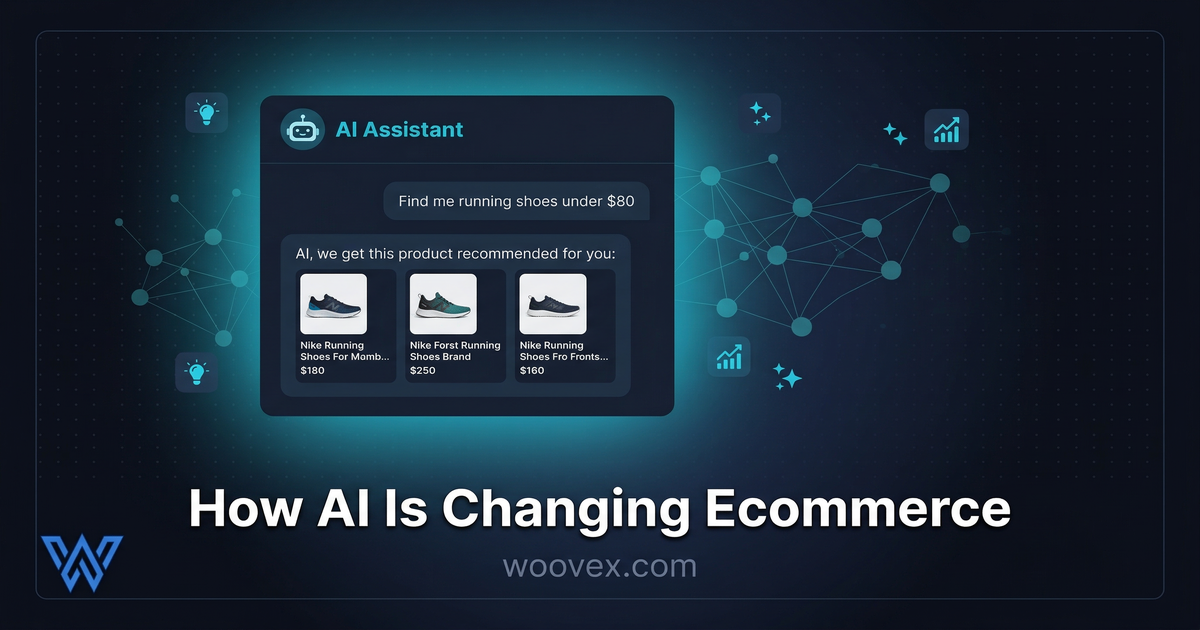
AI in ecommerce isn’t some pie-in-the-sky concept for the future. It's here, it's now, and stores using it effectively are reaping the rewards. Generative AI-driven traffic to retail sites increased 4,700% in just one year. Time spent on a store from AI-driven sources is 32% more, while bounce rates are 27% lower. Whether you're looking for a WooCommerce AI plugin or full automation of an ecommerce store, the tools are available now. If you have a WooCommerce store, here's what's really working and how to create an AI-driven store.
The Numbers Behind AI in Ecommerce
The market for AI-enabled ecommerce has reached $8.65 billion in 2025, which is expected to grow to $22.60 billion by 2032. And it's not just hype - this is real-world growth driven by real-world adoption. 89% of retail companies are actively using or testing AI, and 97% of those companies plan to increase their spending on it in the coming year.
But for you, as an ecommerce store owner, what really matters is that companies that use AI personalization make 40% more than those that don’t. And still, 71% of consumers get frustrated with their shopping experience because it is too impersonal. And that is where you come in, as machine learning ecommerce is no longer just for large stores.
Product Recommendations That Actually Convert
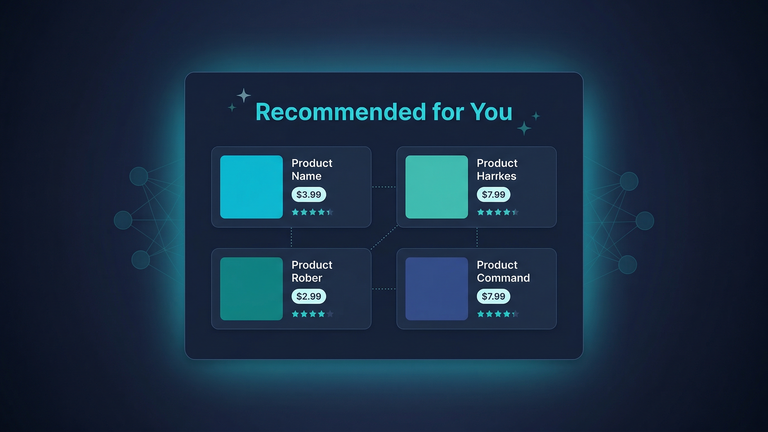
This is the most common AI application for ecommerce, and it's easy to see why. 47% of companies are using personalized product recommendations because they are effective.
Instead of showing all customers the same "Popular Products" section, AI can analyze browsing and purchasing history, and other factors such as similar customers, to show customers the products they are most likely to buy. Amazon credits 35% of their revenue to their recommendation engine.
For WooCommerce stores, this means:
- "Customers who bought this" sections that are based on real data, not static product links
- Personalized emails based on browsing history
- Intelligent upsells at checkout tbased on what the customer really wants (see our article on checkout optimizationfor more tips and tricks)
You don’t have to be Amazon to do this. A well-chosen WooCommerce AI plugin and a simple AI API can help you achieve 80% of this.
AI Chatbots That Do More Than Say "Please Wait"
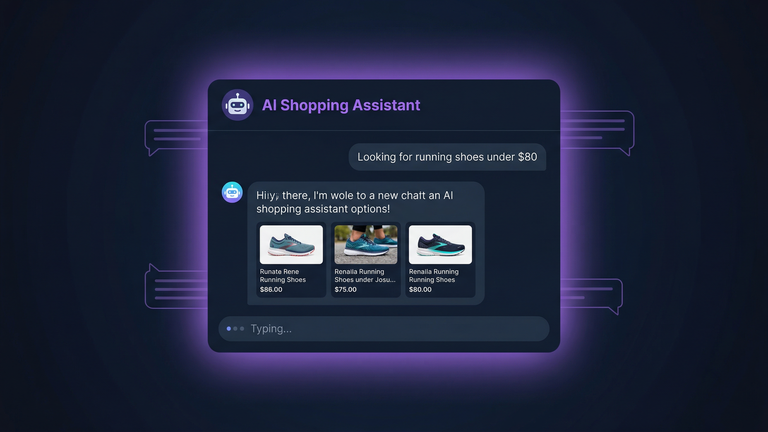
Currently, 36% of e-commerce businesses are investing in conversational AI technology. The old chatbots that just click through a flowchart to get to an answer are being replaced with AI assistants that can actually understand what the customer wants.
If the customer says, "I need a blue dress to wear to a wedding that costs less than $100," the AI chatbot can then filter the results and provide the customer with what they need.
Well, the results speak for themselves. Stores that use AI chatbots see increased customer engagement, fewer support tickets, and faster time to purchase. The trick to making this work is connecting the chatbot to your actual product catalog and inventory to get accurate information.
In WooCommerce, you can connect your chatbot to your store through the REST API. This allows the chatbot to query your store and provide the customer with the information they need. It can even answer questions that the customer may have after their purchase.
Dynamic Pricing That Adapts in Real Time
28% of companies are using AI in adaptive pricing, and this figure is increasing rapidly. Dynamic pricing doesn’t mean charging your customers more than they are willing to pay.
For a WooCommerce store, this could mean:
- Auto-promotions when stock is sitting around too long
- Time-based pricing for seasonal stock
- Personalized promotions for returning customers based on their purchase history
- B2B pricing where rates are tiered and change based on order volume
Of course, if you want to read more on pricing strategies, we also have a guide on ecommerce pricing strategies covers the fundamentals.
It’s worth noting, though, that 64% of consumers are also concerned with "black box" pricing algorithms. Being transparent is key when it comes to pricing. Customers are not afraid of smart pricing as long as it’s not seen as manipulative.
Inventory Forecasting and Demand Prediction
Running out of your best-selling product on a Friday afternoon means you lose sales. On the other hand, overstocking slow-selling products means you waste money. AI-powered inventory forecasting uses historical sales data, seasonal patterns, and other external influences to predict what you'll need.
For WooCommerce stores with hundreds or thousands of products in their inventory, this is a complete game changer. No more manually keeping an eye on stock levels or making educated guesses about when you should reorder products.
This is especially important if you're an online store with seasonal sales patterns or products with long lead times. Ecommerce automation in inventory management alone can save you hours each week.
How to Add AI to Your WooCommerce Store
You don’t have to start from scratch with your store. Here’s a quick roadmap:
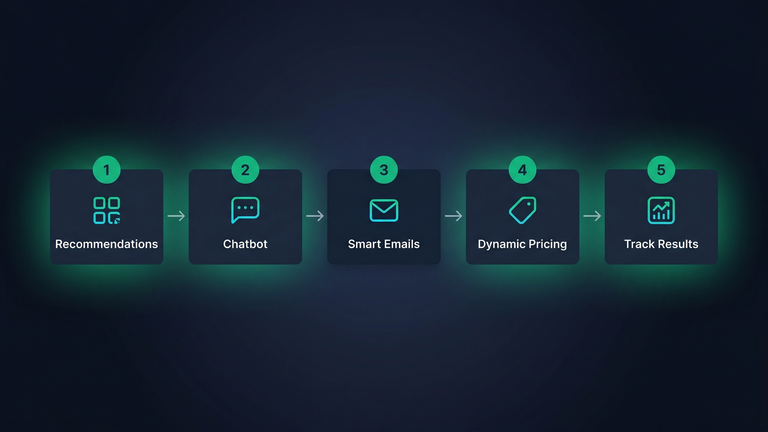
- Recommendations: This has the highest ROI for most stores. Add a recommendation engine to your store with a connector to your WooCommerce products using the REST API.
- Add a smart chatbot: Connect an AI-powered chatbot to your product catalog. Start with product search and FAQ handling, then expand to order tracking and returns.
- Add smart email triggers: Use AI to power personalized abandoned cart emails, post-purchase emails, and product recommendations based on browsing behavior.
- Add dynamic pricing: If you have enough data on your transactions (usually 1,000+ orders), start with rules-based pricing and add AI-powered predictions later.
- Track everything: Measure conversion rates, average order value, and customer satisfaction before and after each addition. Only keep what moves the needle.
This open architecture makes WooCommerce one of the most promising platforms for AI integration. You have complete access to your own data, your own database, your own product attributes. No need to wait for a platform's road map to add the features you need. If you need help with any of these steps, we offer a WooCommerce AI integration service hat takes care of everything for you. And if you need something unique that no software can do, we offer custom plugin development that lets you have exactly the AI-powered store experience your customers need.
What's Coming Next
Agentic AI, where AI systems act on behalf of the customer, is the next big thing. Think about an AI assistant that not only recommends products but also buys the product, tracks the delivery, and arranges a return if it doesn't fit. This is already being trialed by some large retailers.
Visual search is another area where AI is improving. A customer may take a photo of something they like, and AI can find similar products in your catalog. This could be an important innovation for WooCommerce stores with large product catalogs.
Those who start developing their AI infrastructure now will be in the best position to take advantage of these technologies as they evolve. You don't need to do everything at once. Choose the scenario that best fits your store and measure the success before you start developing.
Want to Add AI to Your WooCommerce Store?
We specialize in custom AI solutions for WooCommerce, including product recommendations, chatbots, and more. Contact us to discuss your ideas, and we will demonstrate the power of AI in WooCommerce.